
GraphRAG Workbench
Open-source workbench for building, inspecting, and querying GraphRAG knowledge graphs from PDF corpora, with an interactive 3D visualization surface and natural-language graph chat.
- Status
- Live
- Client
- Lyon Industries
- Role
- Sole engineer
- Updated
- May 6, 2026
Overview
GraphRAG Workbench is a live, open-source application for turning a folder of PDFs into an inspectable knowledge graph. It wraps Microsoft's GraphRAG pipeline in a browser-native workbench: upload documents, run indexing, watch progress logs, inspect extracted entities and relationships, and query the resulting graph from the same surface.
The project is public at graphrag-workbench-web.vercel.app, with source available on GitHub. The repository has passed 600 GitHub stars, and the tool is already being used by a Harvard professor as a research workflow surface.
What It Does
The workbench is built around a practical GraphRAG workflow: ingest a corpus, extract entities and relationships, detect communities, render the graph, and query it with natural language. The core idea is to make graph-based retrieval visible enough that a researcher or engineer can see what the pipeline actually created before trusting it.
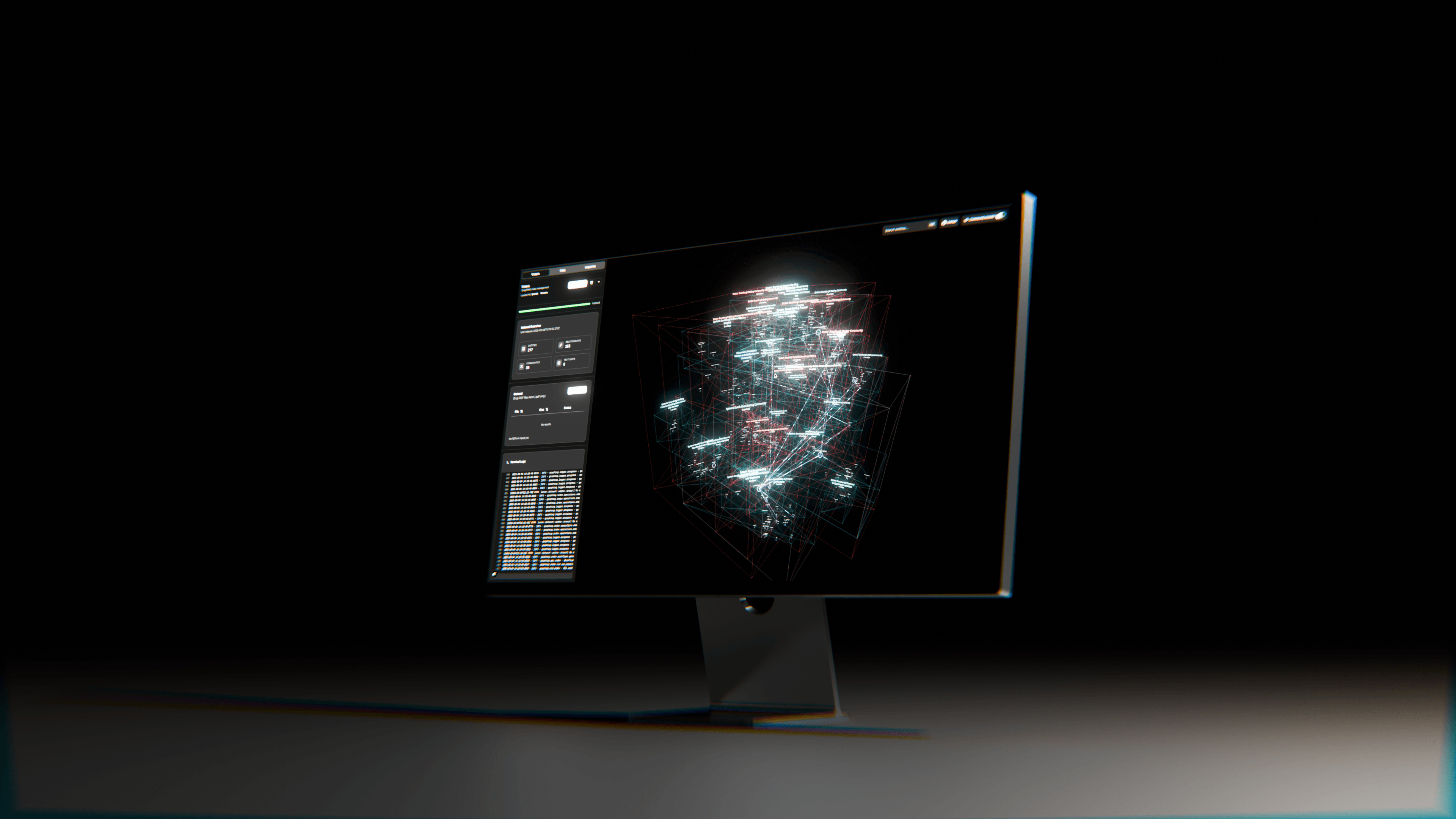
The 3D graph view is the main surface. Entities are drawn in an immersive Three.js scene with smooth navigation, dynamic sizing based on centrality, and relationship thickness based on connection weight. Community detection creates color-coded structure, while filters let the operator narrow the graph by entity type, community level, and relationship weight. Search highlights matching entities in real time so a user can move from a term to its graph neighborhood.
Document Pipeline
Document management is deliberately direct. Users drag PDFs into the corpus panel, batch-process multiple files, and watch indexing progress stream back through detailed logs. The app supports archive management, so different graph states can be saved, restored, renamed, and compared as document sets evolve.
Underneath that interface, the GraphRAG pipeline handles text extraction, entity extraction, relationship mapping, and community detection. The resulting data is transformed into JSON structures optimized for web rendering, then loaded into the 3D visualization and inspector panels.
AI Analysis
The workbench includes a chat interface for querying the generated knowledge graph in natural language. It supports local, global, drift, and basic search strategies, which gives the user multiple paths through the same indexed corpus: focused entity-neighborhood questions, broader community-level questions, and more conventional retrieval flows.
Community reports summarize detected clusters, and the inspector view exposes selected entities, relationships, and graph context. The point is not only to answer questions; it is to make the reasoning substrate legible enough that a technical user can debug it.
Architecture
The frontend is a Next.js application using React Three Fiber and Three.js for WebGL rendering, TailwindCSS for styling, and shadcn/ui for the application controls. The main components are a graph visualizer, a corpus panel for document and indexing work, a chat panel for graph queries, and an inspector for detailed entity review.
The backend path uses Next.js API routes for local data management and Microsoft GraphRAG for extraction and community analysis. Storage is file-system based, which keeps the project easy to run locally: Node.js handles the app surface, Python runs GraphRAG, and an OpenAI API key supplies the model calls.
Why It Matters
GraphRAG systems can become opaque quickly. A successful index run may still hide poor entity resolution, weak communities, over-connected hubs, or document coverage gaps. GraphRAG Workbench is meant to expose those failure modes while the corpus is still small enough to reason about.
That makes it useful as a research tool, an applied-AI prototyping surface, and an engineering debug bench. It gives GraphRAG work a visual intermediate state: not just documents in and answers out, but a graph the operator can inspect, filter, question, archive, and improve.